Ecommerce websites built to sell, not just to sit online
SimpliTechPro builds custom ecommerce websites with fast, mobile-first checkout connected to the payment and inventory tools you already use, so you own the store instead of renting a template. The build below, Halden, is a live concept demo you can explore.
Halden
An online store lives or dies on two things: whether the storefront feels worth buying from, and whether the machinery behind it actually works. This demonstration build shows both, a quiet-luxury skincare storefront in front, and a complete transactional stack behind it.
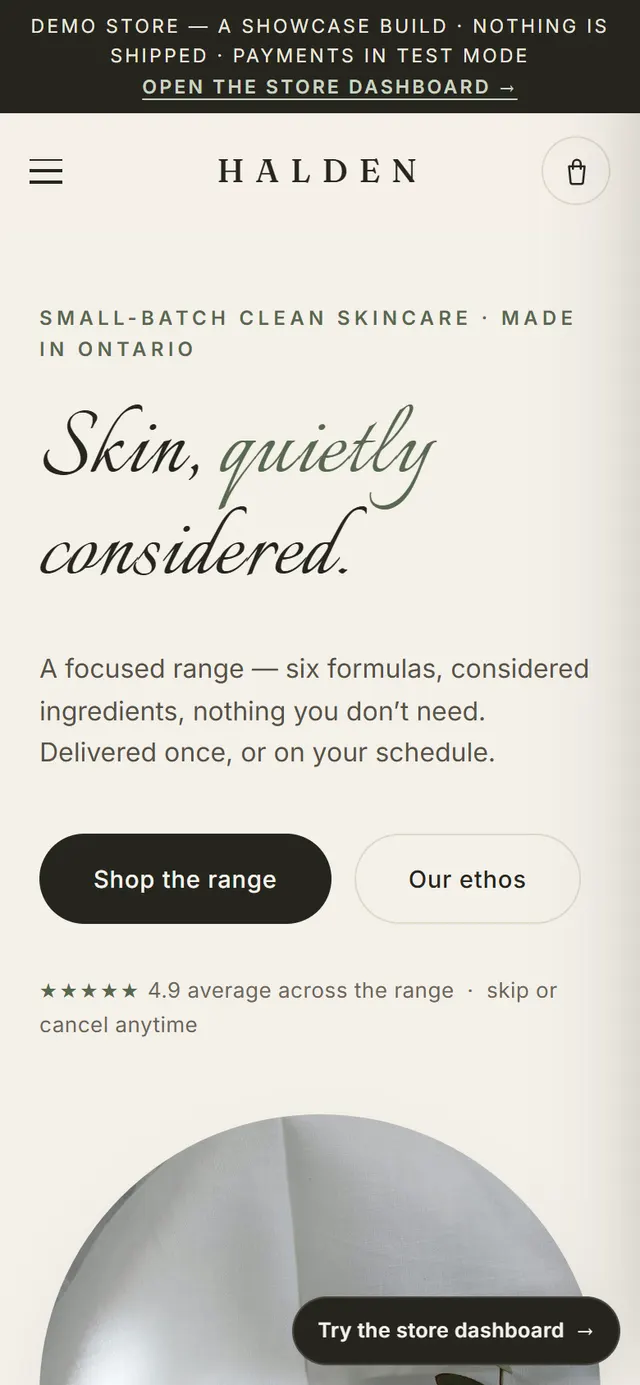
The storefront is a Nordic-editorial design: warm bone tones, restrained serif type, photography-led product pages. The catalog carries real e-commerce mechanics, size variants, subscribe-and-save with delivery cadence, live stock states, feeding a cart drawer with a free-shipping progress bar and a multi-step checkout that runs entirely in test mode. Place an order and stock decrements, a receipt is issued, and the order appears in the back office instantly.
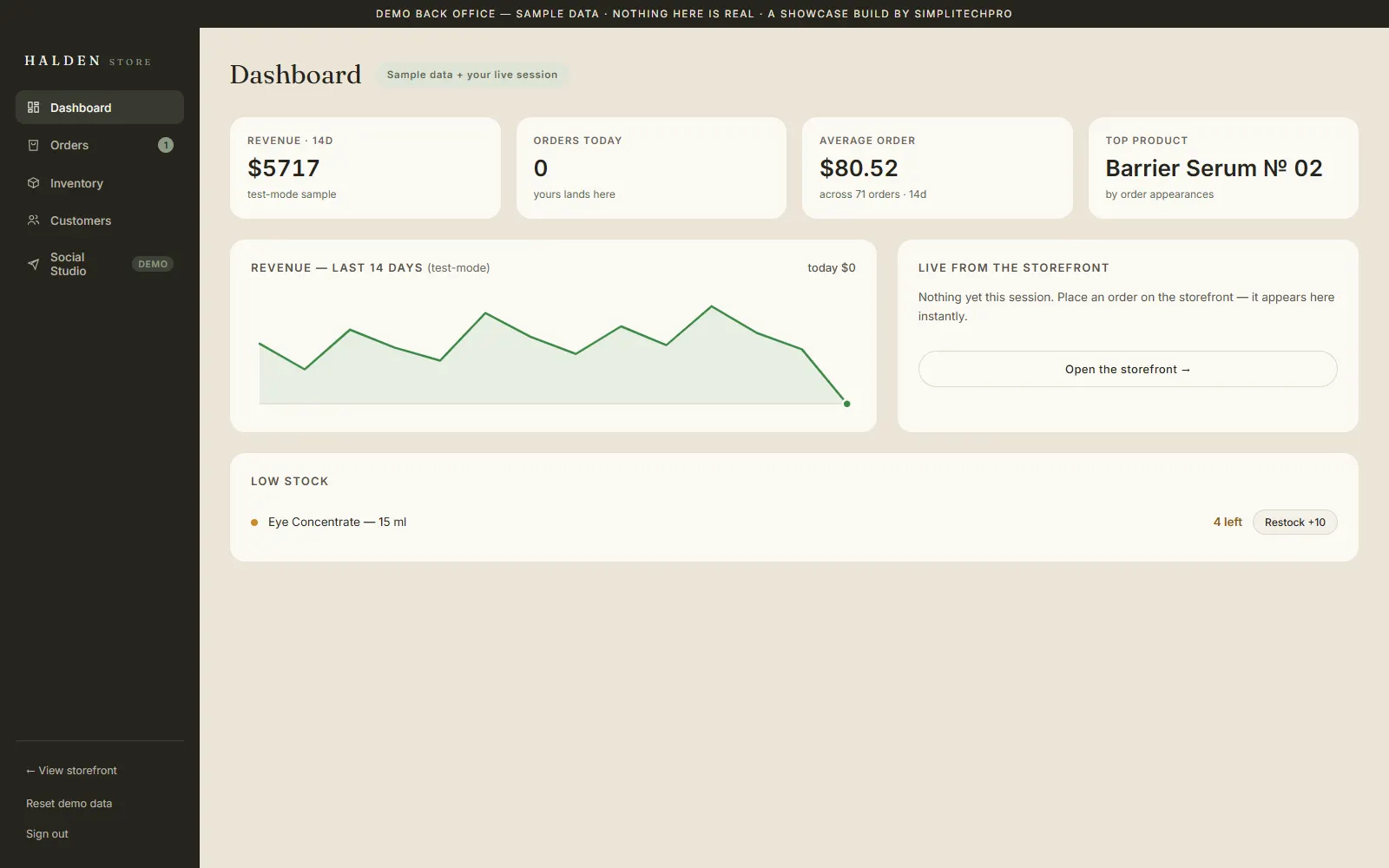
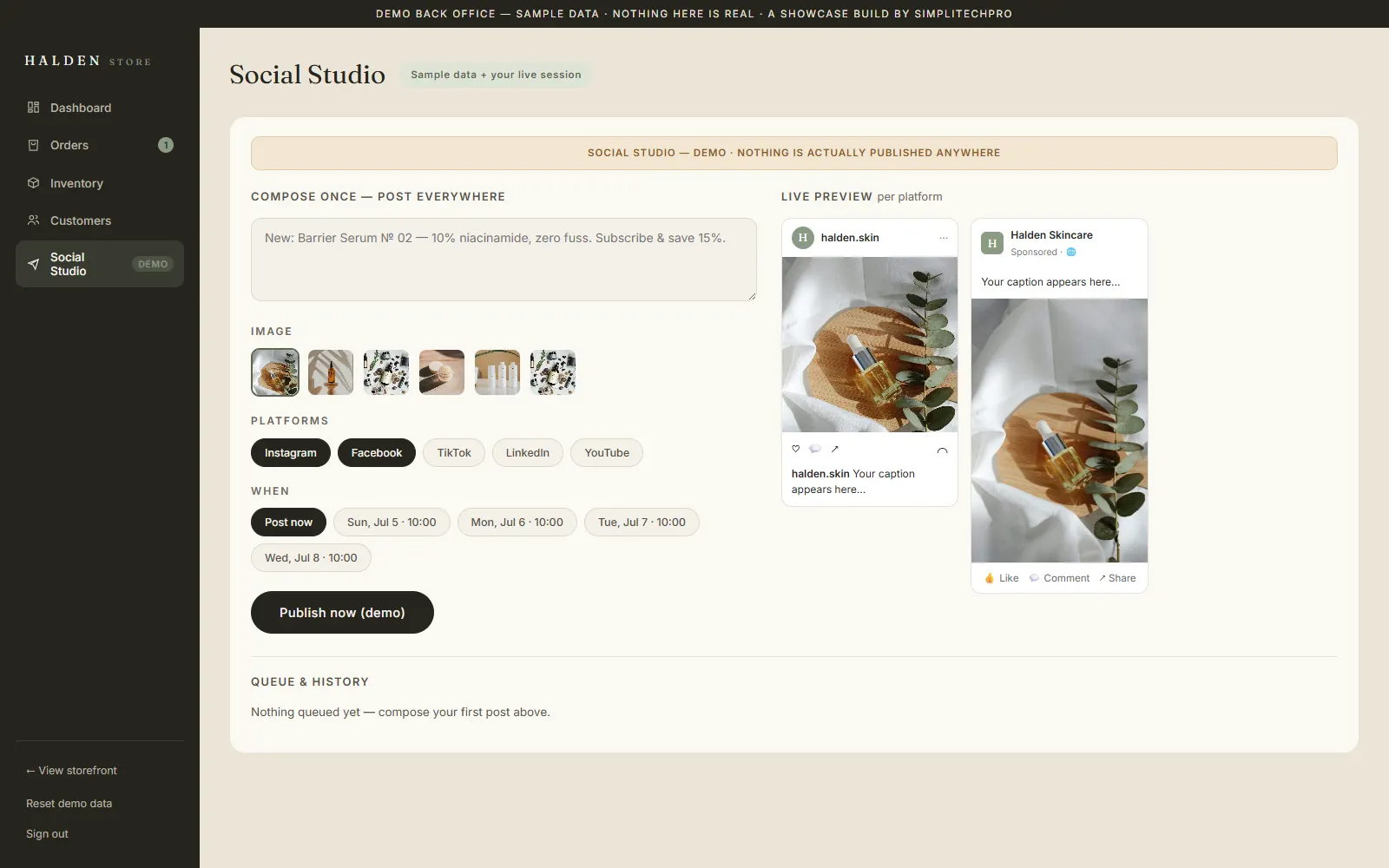
That back office is a working store admin: revenue KPIs, a live order feed, inventory management that updates the storefront in real time, and customer records. It also carries the Social Studio, a compose-once, post-everywhere marketing console with native-style previews for five platforms (fully mocked). It is the full anatomy of a modern online store, demonstrated live, the standard SimpliTechPro builds to for retail businesses across Canada.
What the build shows
Catalog with variants & subscriptions
Size variants, subscribe-and-save pricing with delivery cadence, and live stock states on every product.
Cart drawer with free-shipping bar
A persistent cart that nudges the order value up, the pattern proven across modern DTC stores.
Multi-step test-mode checkout
Contact, shipping, and payment steps with real validation, a complete checkout flow, safely in test mode.
A working store admin
Revenue KPIs, a live order feed, fulfilment, and customer records, orders from the storefront arrive as they happen.
Inventory that syncs to the storefront
Restock, mark sold-out, or add a product in admin and the storefront reflects it immediately.
The Social Studio
Compose once, preview natively per platform, schedule or publish, the marketing automation a store owner wants, demoed in-admin.
What we integrated and automated
What we integrated
- A full catalog: variants, subscribe-and-save, live stock
- Cart drawer and multi-step checkout (test mode)
- A store admin: orders, inventory, customers, revenue KPIs
- The Social Studio, five-platform composing with live previews
What we automated
- An order flows live into admin orders, customers, and revenue
- Inventory edits update the storefront instantly
- Subscribe-and-save applies its discount and cadence automatically
- The Social Studio queues and "publishes" posts on schedule (fully mocked)
A look at the store

Explore it live. Then imagine yours.
Open the storefront, run the checkout in test mode, then sign in to the store admin and watch the order arrive. If this is the standard you want behind your store, the next step is a conversation.
The demo opens in a new tab. The store dashboard signs in with the demo credentials shown on its login screen, checkout runs in test mode, nothing is shipped or charged.